
悟空 AI 插件
安装在 Photoshop 内,围绕选区、图层、生成、精修和结果回传工作。
Photoshop 23.0+Windows
查看插件能力生成、精修、云工作流和本地 ComfyUI,不再分散在多个工具里。模型调用、图层交互、任务管理与结果回传,在一个专业面板完成。
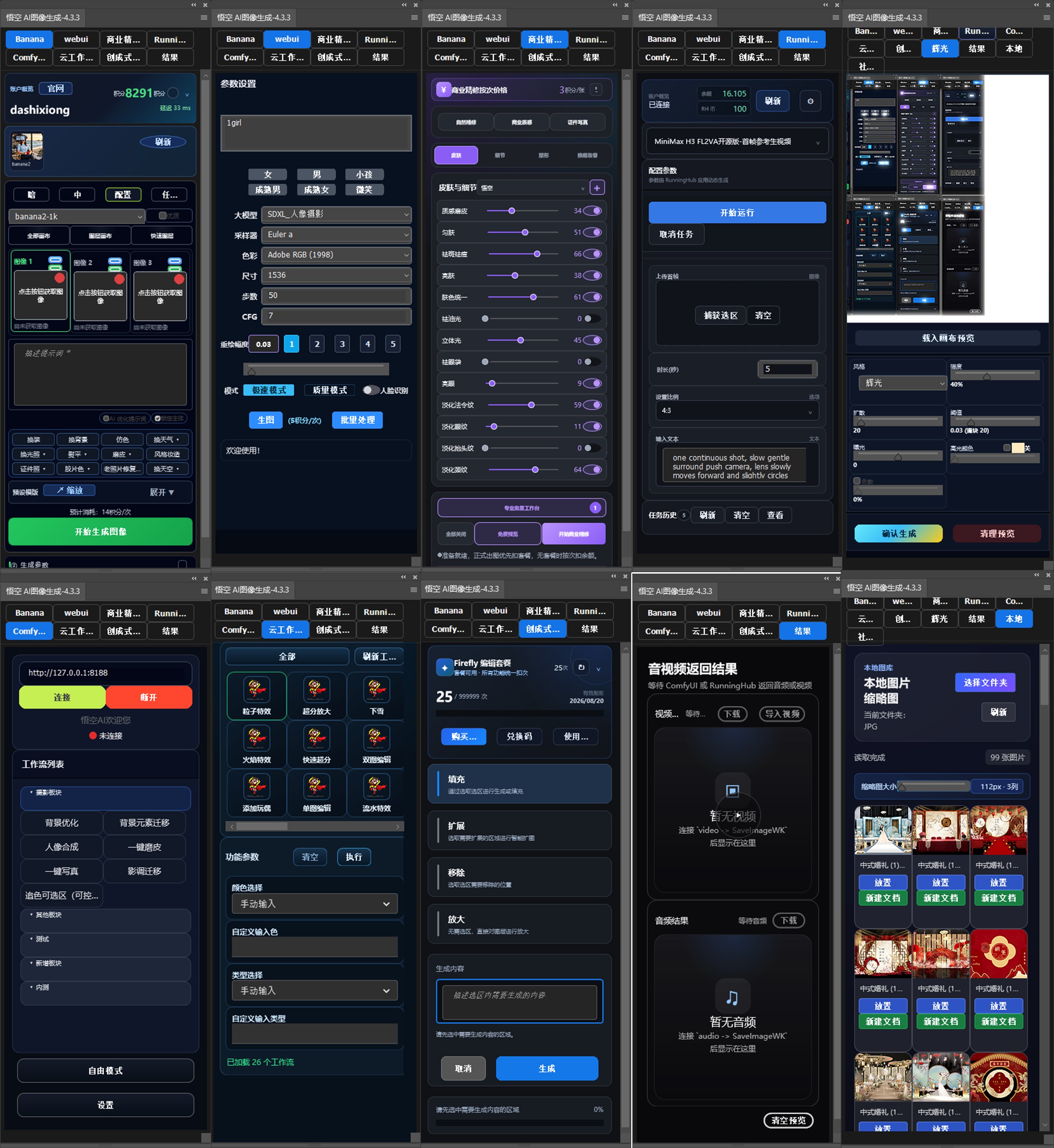
三款产品独立安装、各有侧重。进入对应页面了解能力,或直接前往下载中心。
按创作任务选择能力,不必理解复杂的模型和接口。
从当前图层或选区开始,使用 Banana 2、Banana Pro 与 GPT Image 2 完成创意生成、局部重绘和风格转换。
 Banana 2 · 商业人像生成
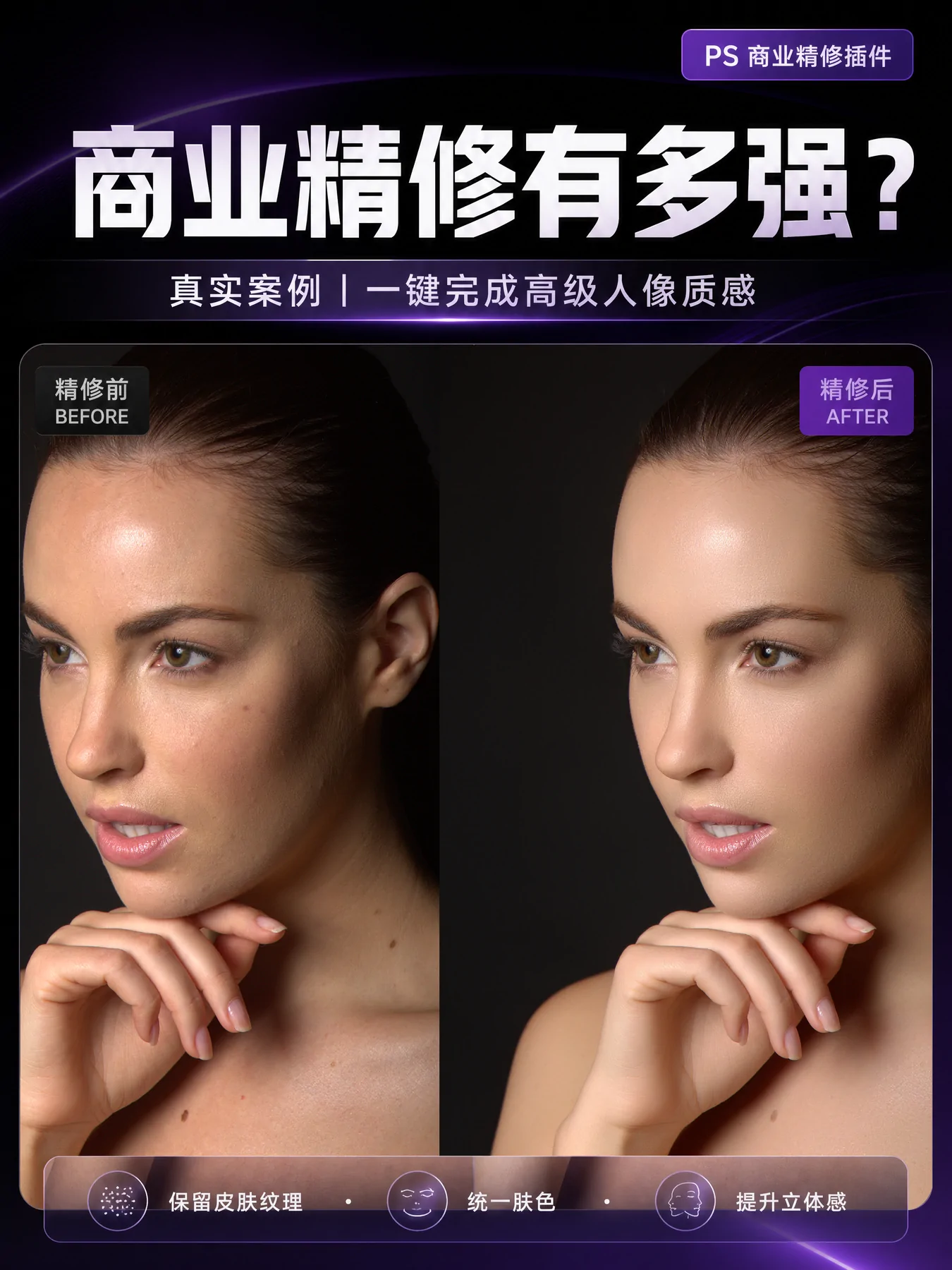
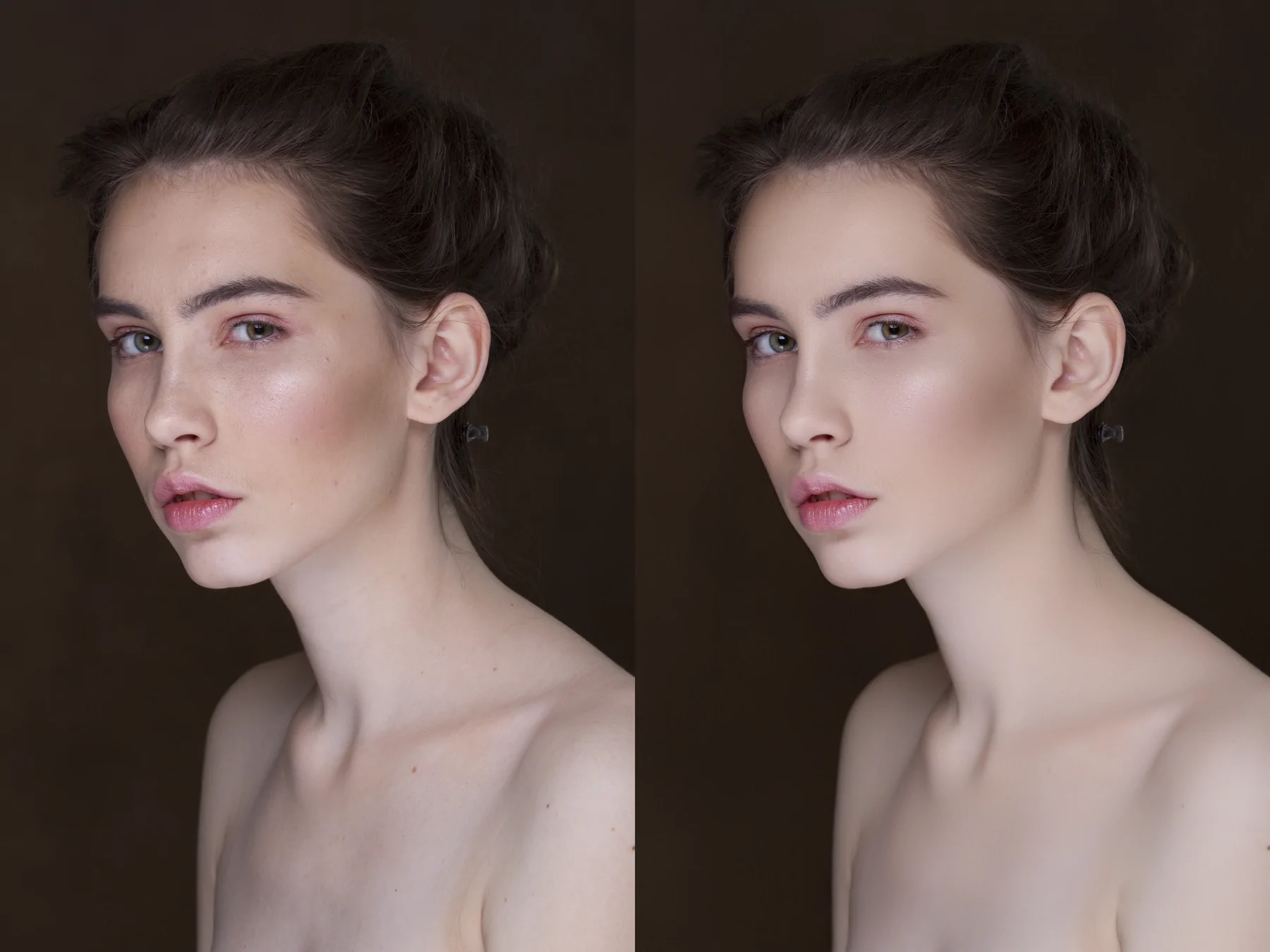
面向摄影交付的标准化精修流程。单张处理与批量任务使用一致参数,价格、进度与结果清晰可见。
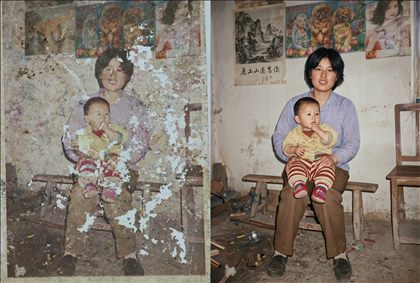 原图
原图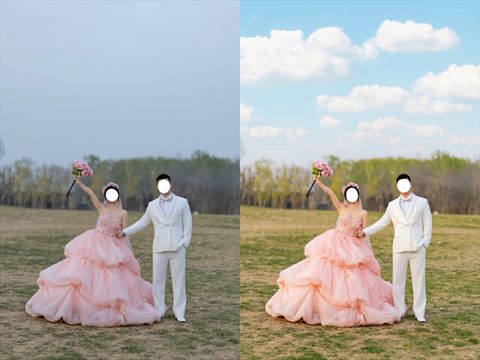 精修结果
精修结果连接成熟工作流或本地模型,复杂节点留在后端,常用参数留在 Photoshop 面板。
离开页面后任务仍可继续。运行状态、进度、历史结果和失败原因集中记录,长任务完成后也能随时取回。
读取选区、图层或完整画布。
选择模型、精修或专业工作流。
图片进入图层,媒体进入结果中心。
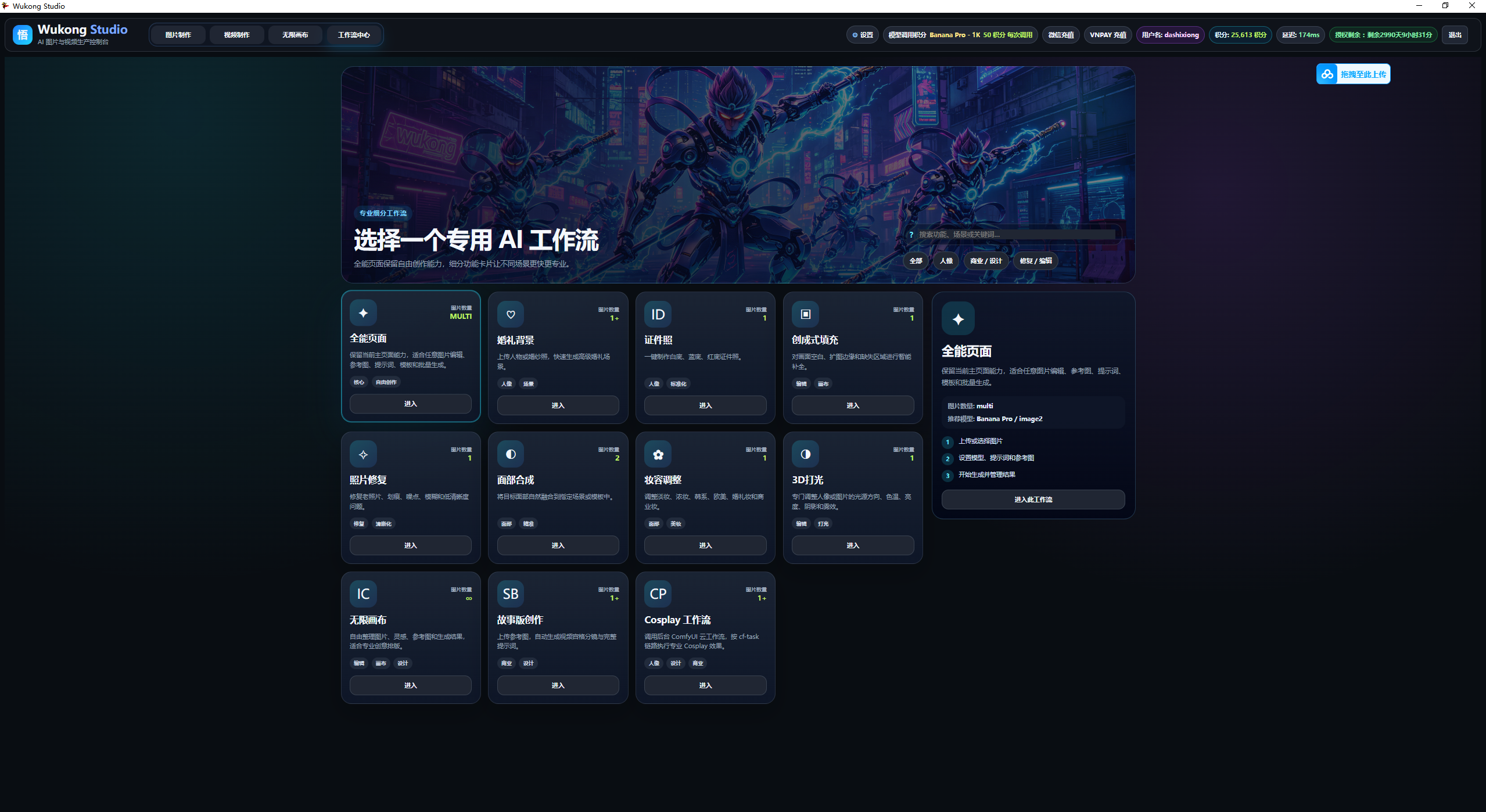
面向图片与视频生产的独立 AI 控制台。把素材、提示词、模型和生成节点放在一张无限画布中,适合复杂项目、批量任务与团队化内容生产。
多图导入、参考图、构图、提示词与生成参数集中管理,支持批量处理和结果对比。
管理首尾帧、视频参考素材与生成任务,统一预览和下载视频结果。
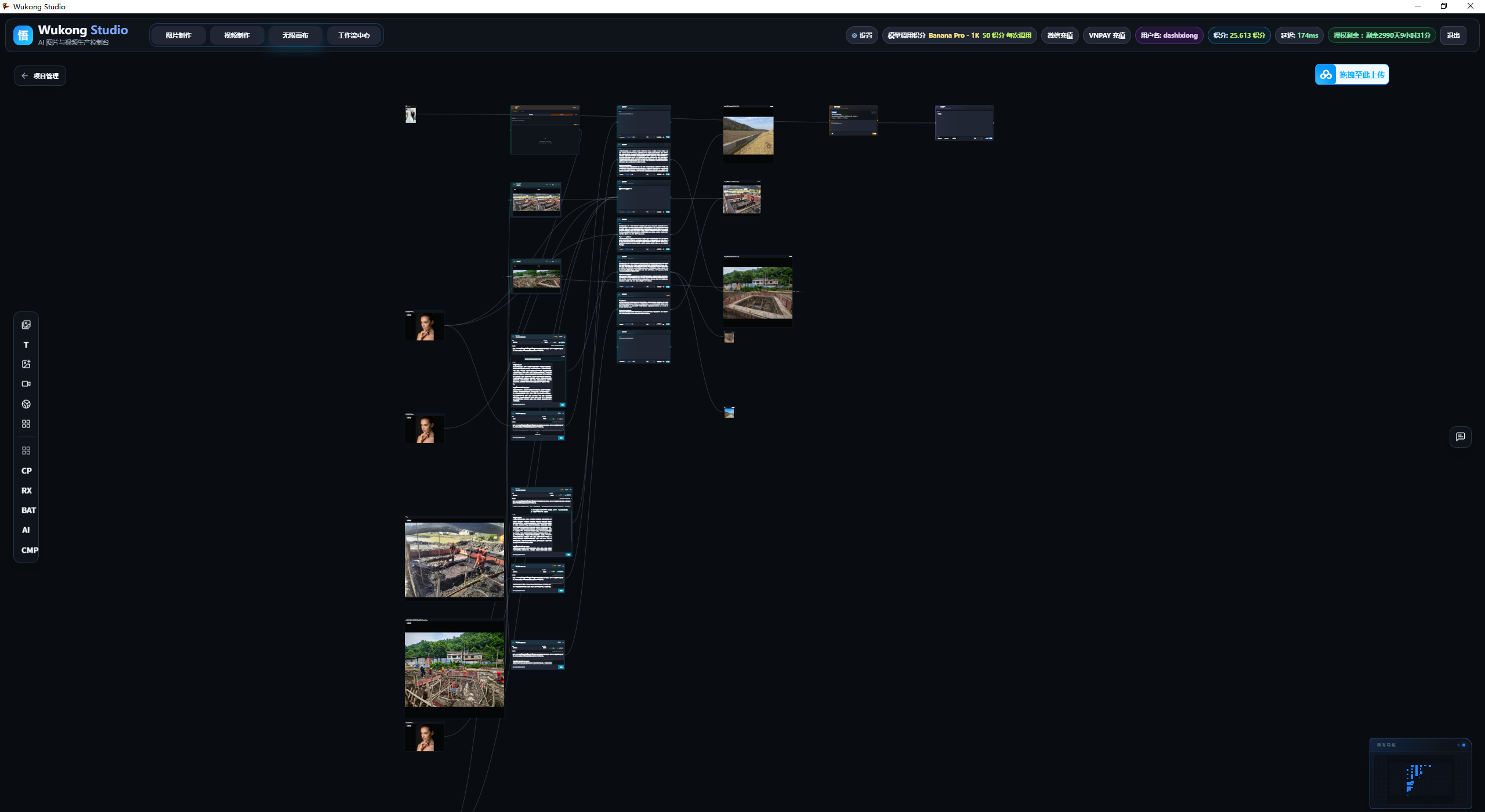
自由连接图片、文本、AI 对话、图片生成和视频生成节点,保存完整项目关系。
覆盖婚礼背景、证件照、照片修复、产品视觉、3D 打光与云端 ComfyUI 工作流。
根据参考图规划故事、镜头和时间码,生成宫格分镜与可直接使用的视频提示词。
文件夹导入、统一参数、批量提交、运行进度和历史结果集中管理。
从一个创意到一批成片,无线画布保留素材、提示词、节点关系与任务结果,让复杂工作能够继续、复用和交付。
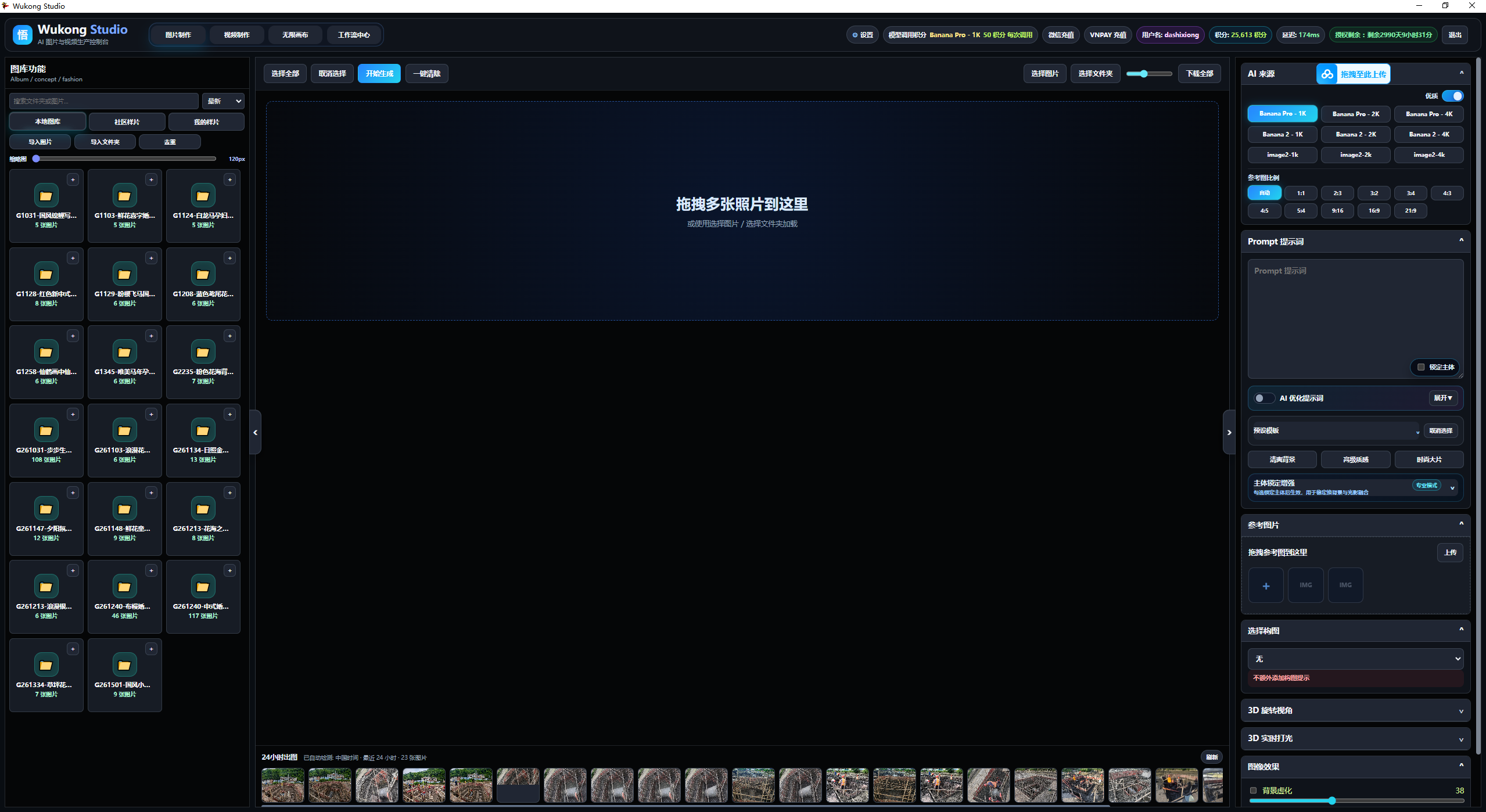
左侧管理本地图库与社区样片,中间承载多图选择和预览,右侧统一控制模型、比例、提示词、参考图与图像效果。
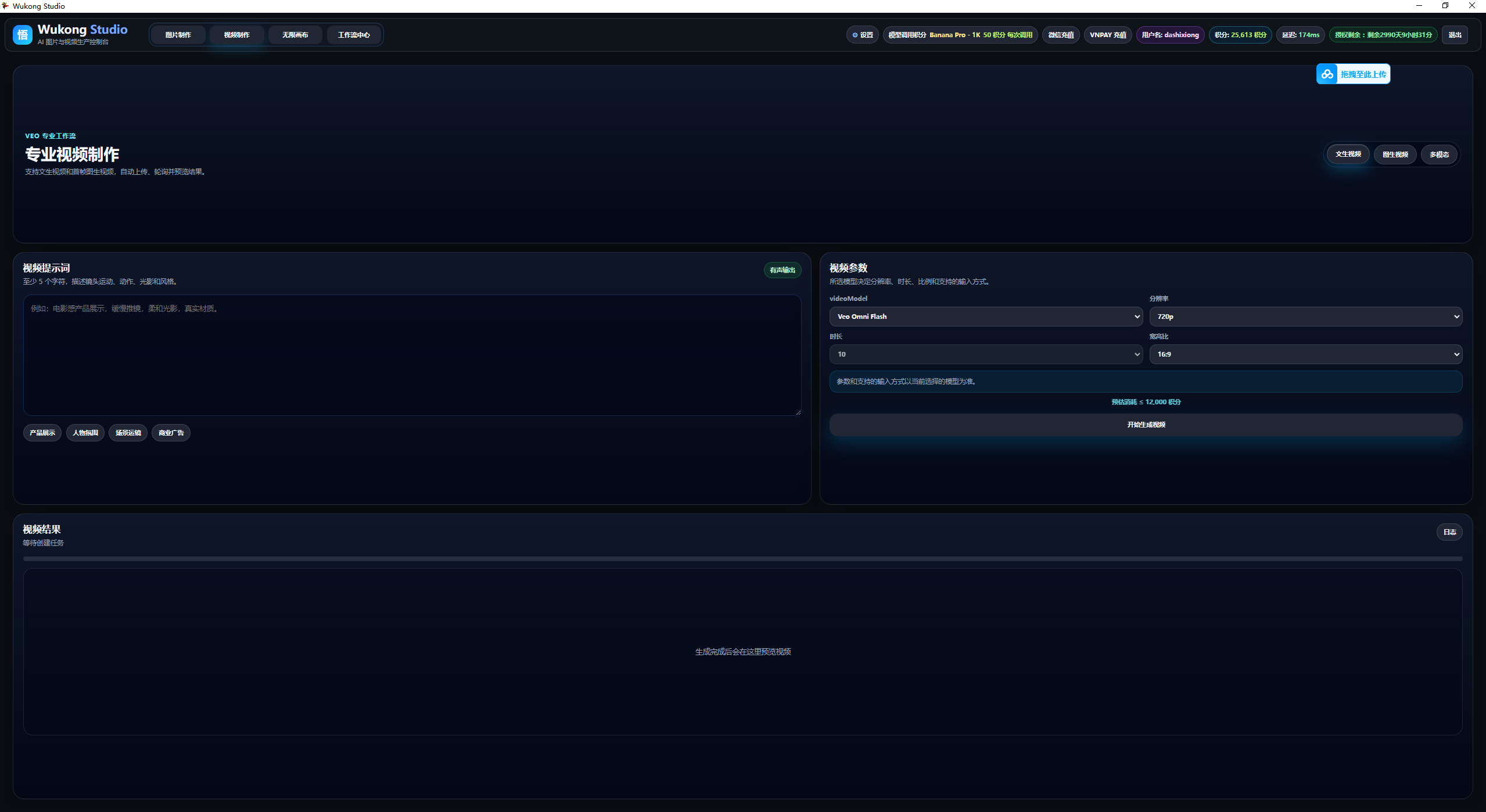
支持文生视频、图生视频与多模态模式。根据模型配置分辨率、时长与宽高比,生成成本在提交前清晰展示。
工作流中心按人像、商业设计和修复编辑分类专业能力;需要组合多步生成时,再进入无限画布连接素材、AI 对话和生成节点。
统一商品、品牌调性与画面规格,批量生成可交付视觉。
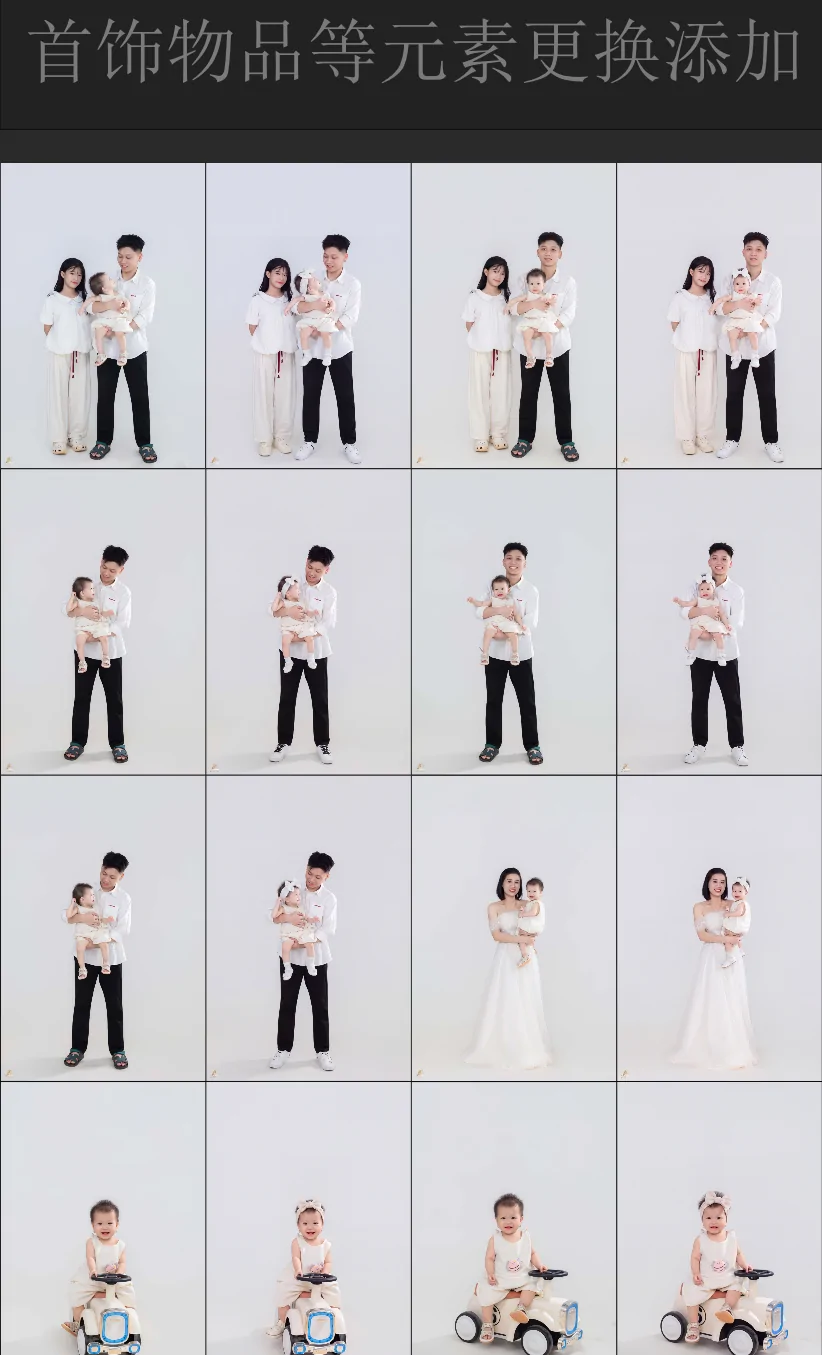
复用场景、服装、妆容和精修要求,提高连续出片效率。
从故事结构、逐镜时间码到宫格分镜和视频提示词。
用统一参数生成不同尺寸、方向和内容版本。
在无限画布保留参考、过程和分支,不丢失创作上下文。
连接后台工作流,按业务需要展示动态参数并提交任务。
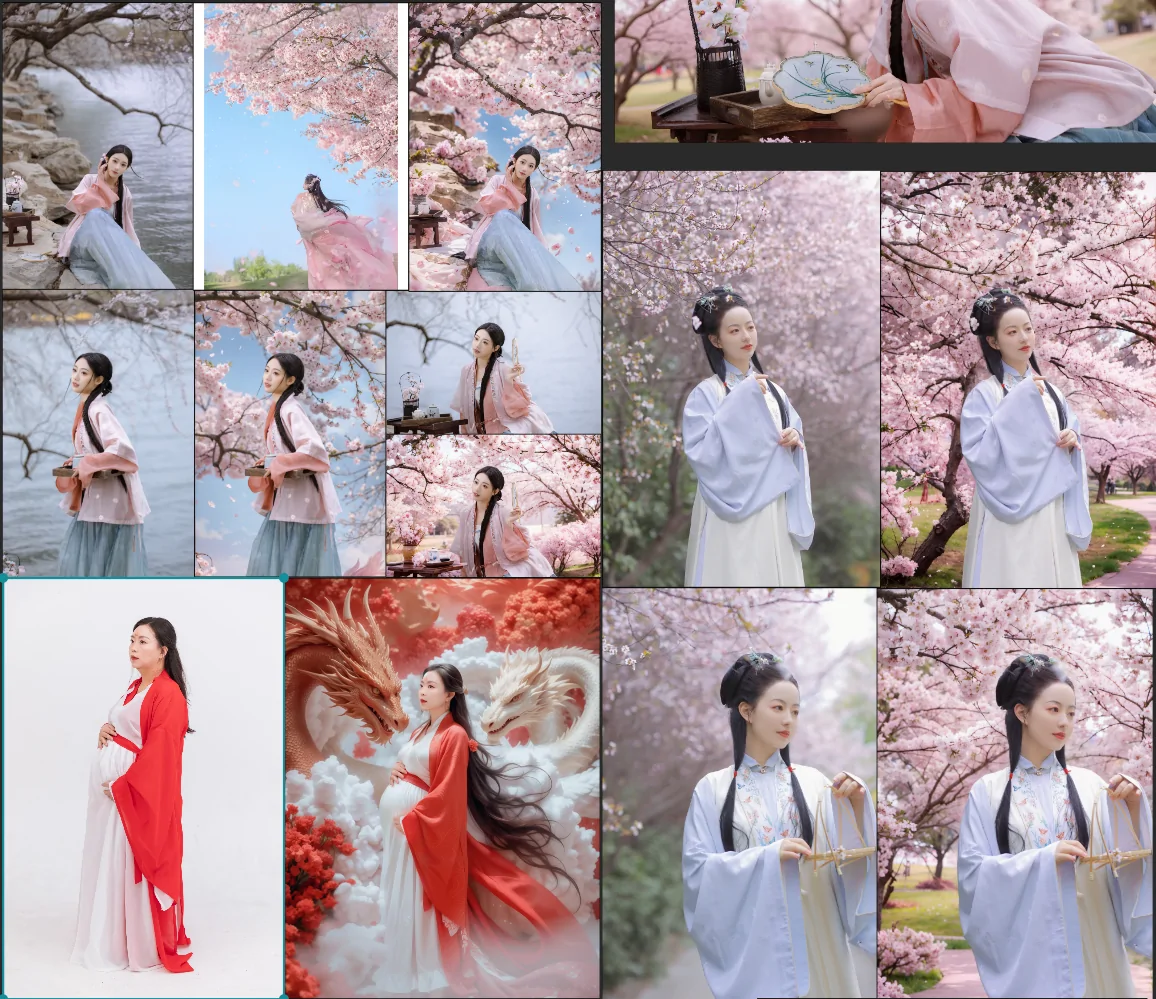
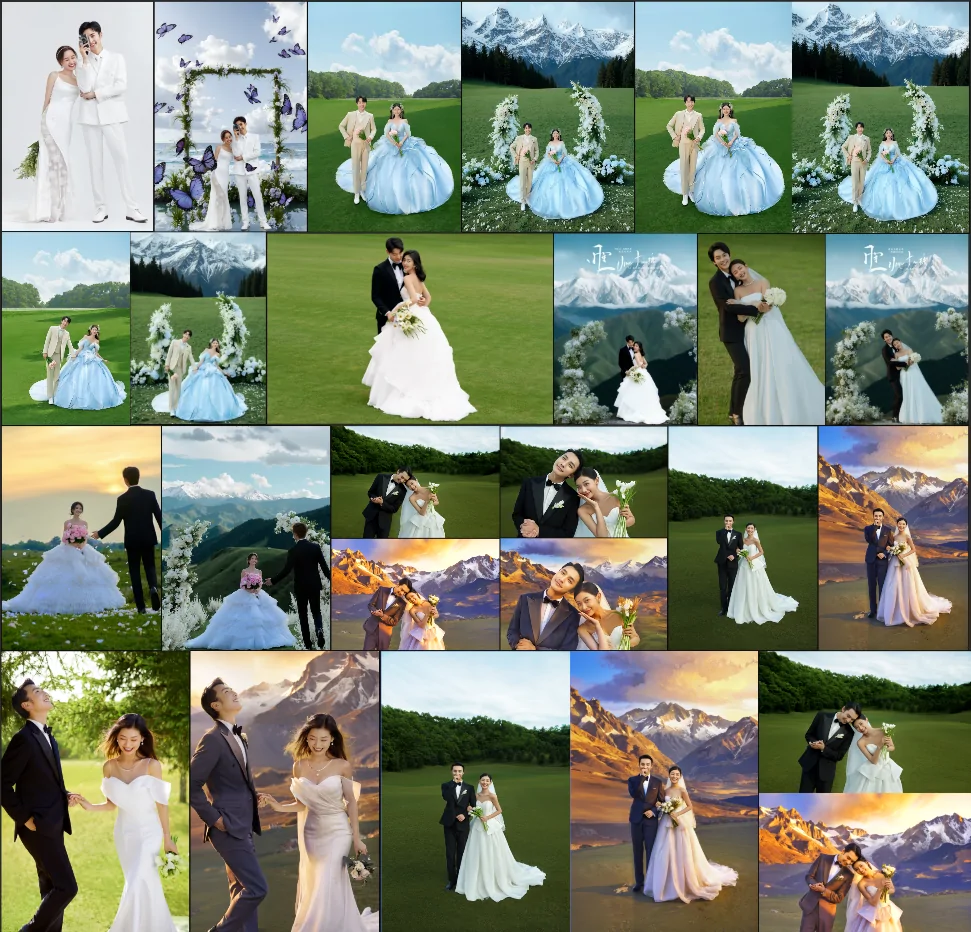
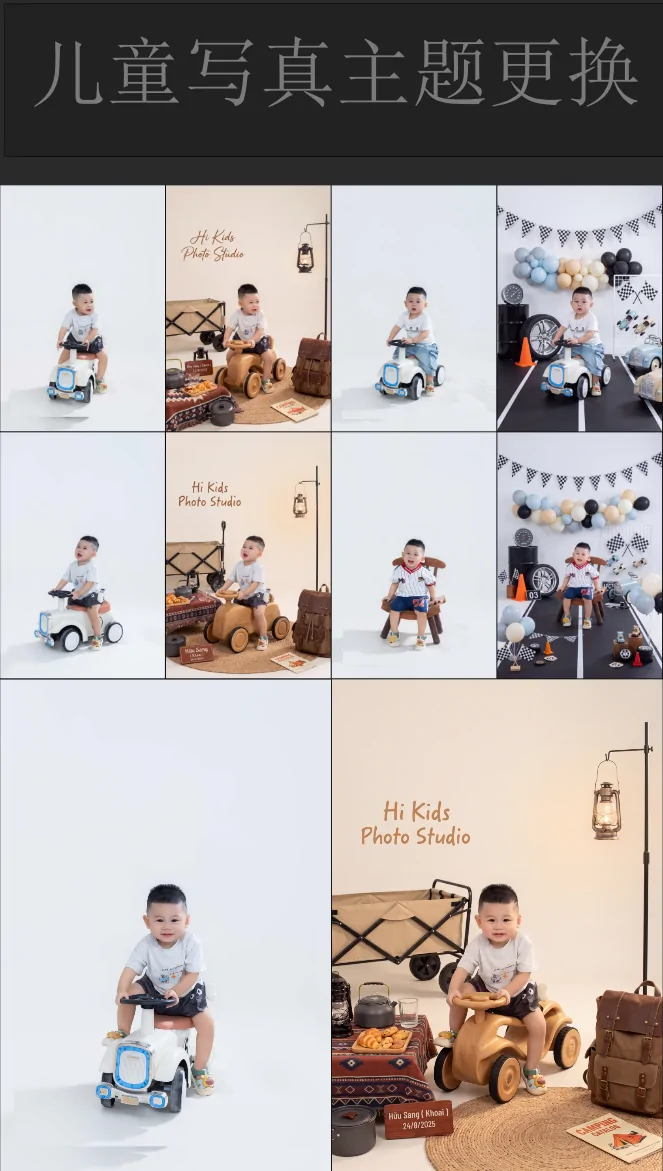
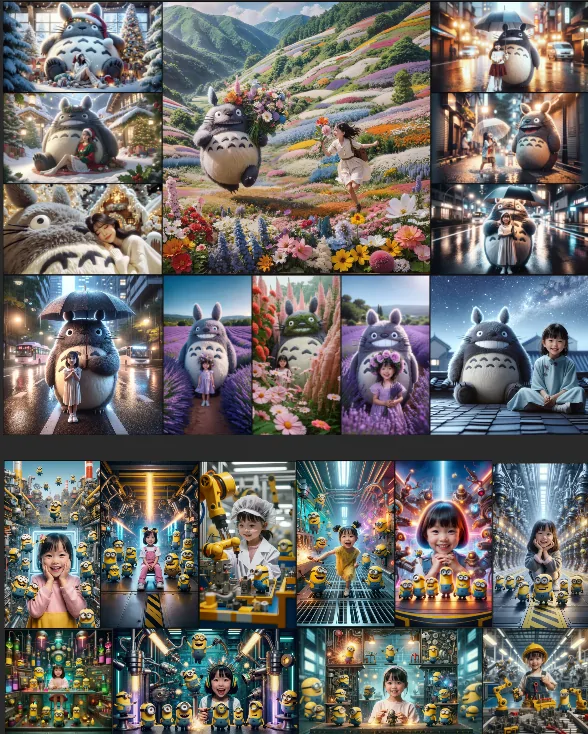
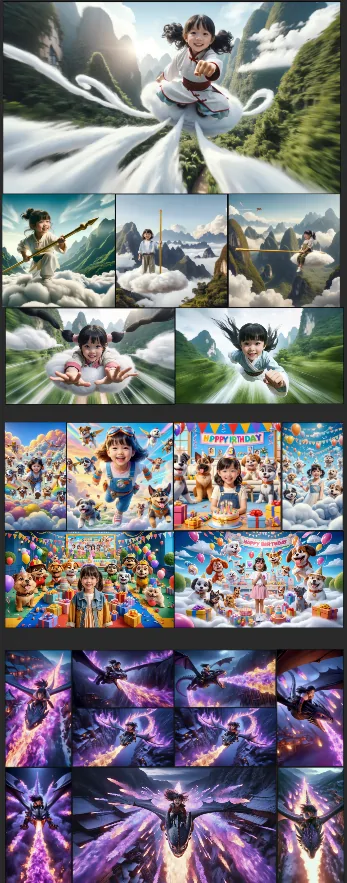
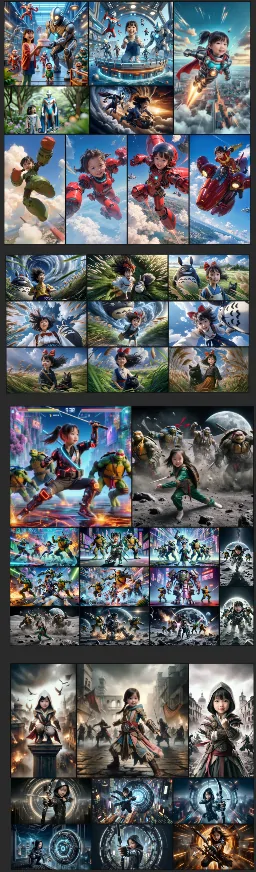
覆盖婚纱成片、商业精修、主题换景、服装替换与创意视觉生产。
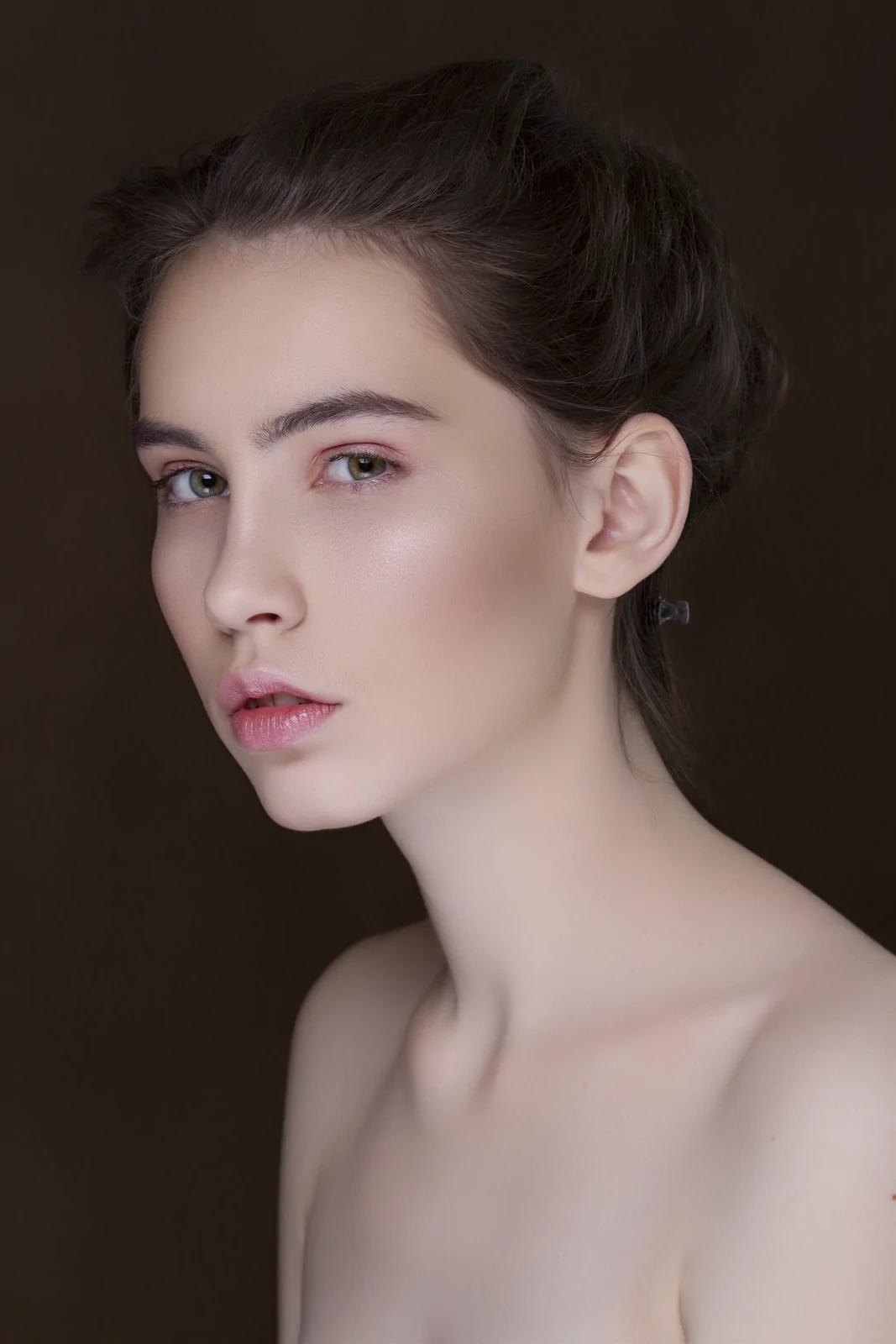
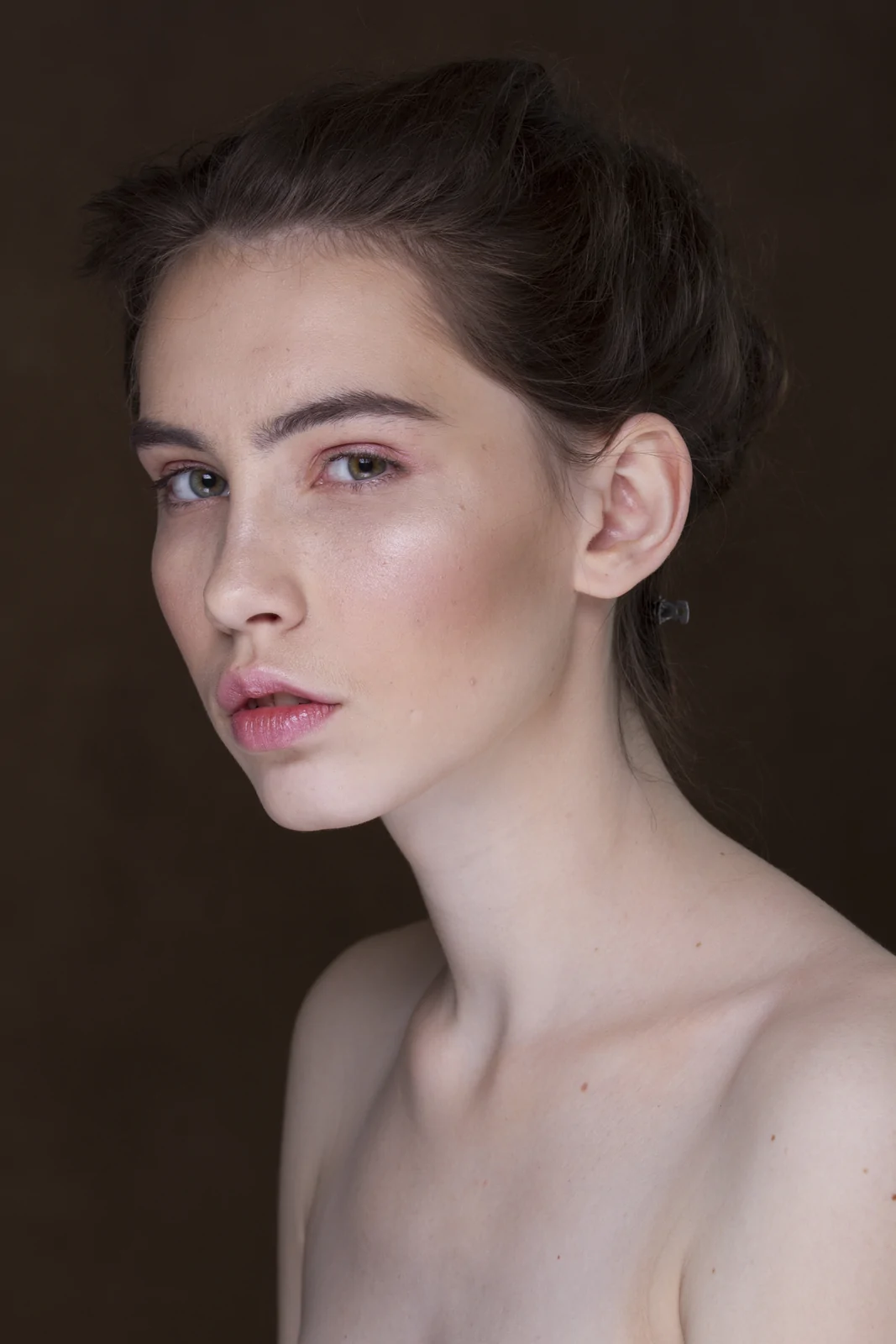
保留皮肤纹理与面部结构,统一肤色、光影和妆面质感。
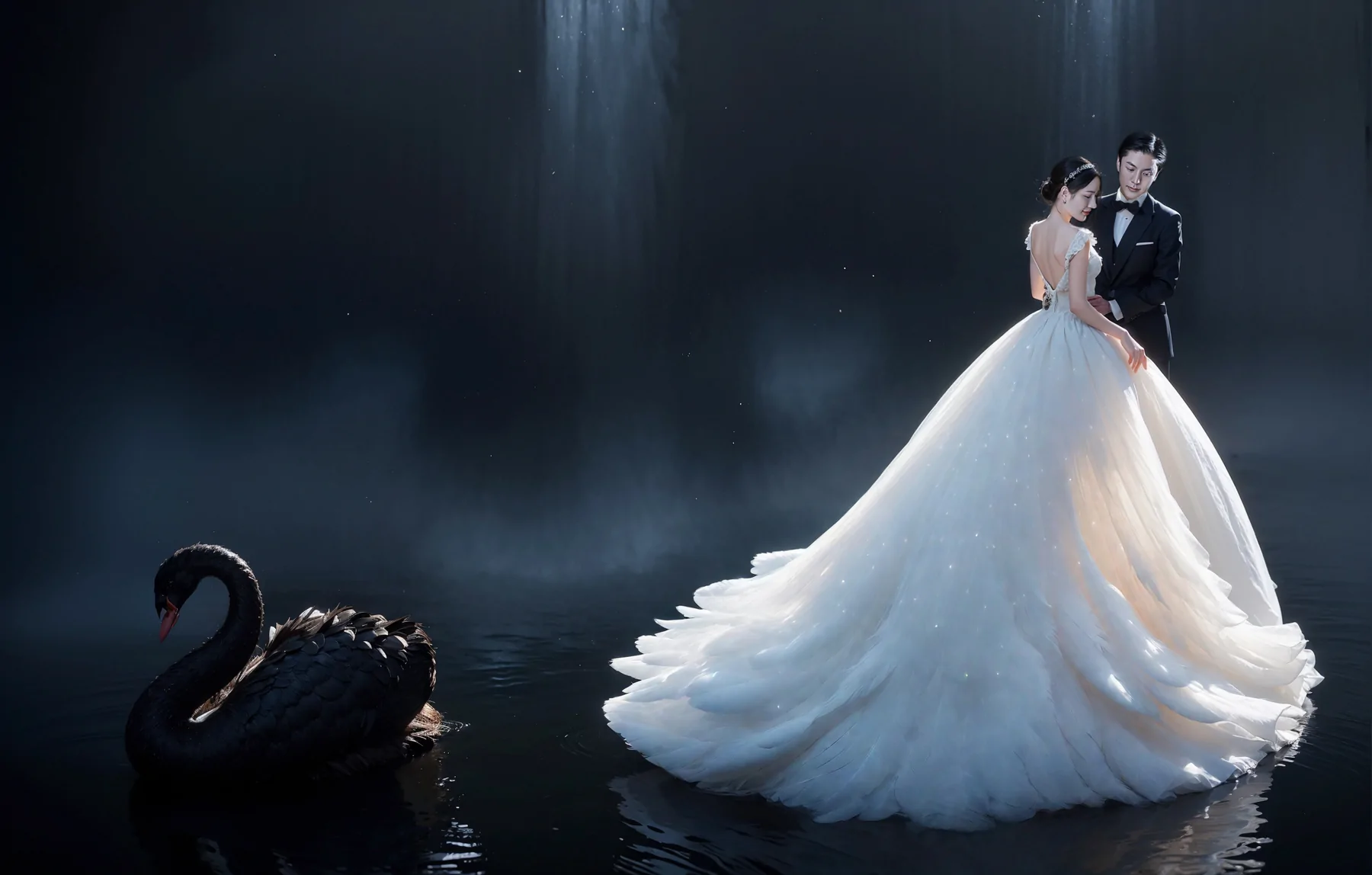
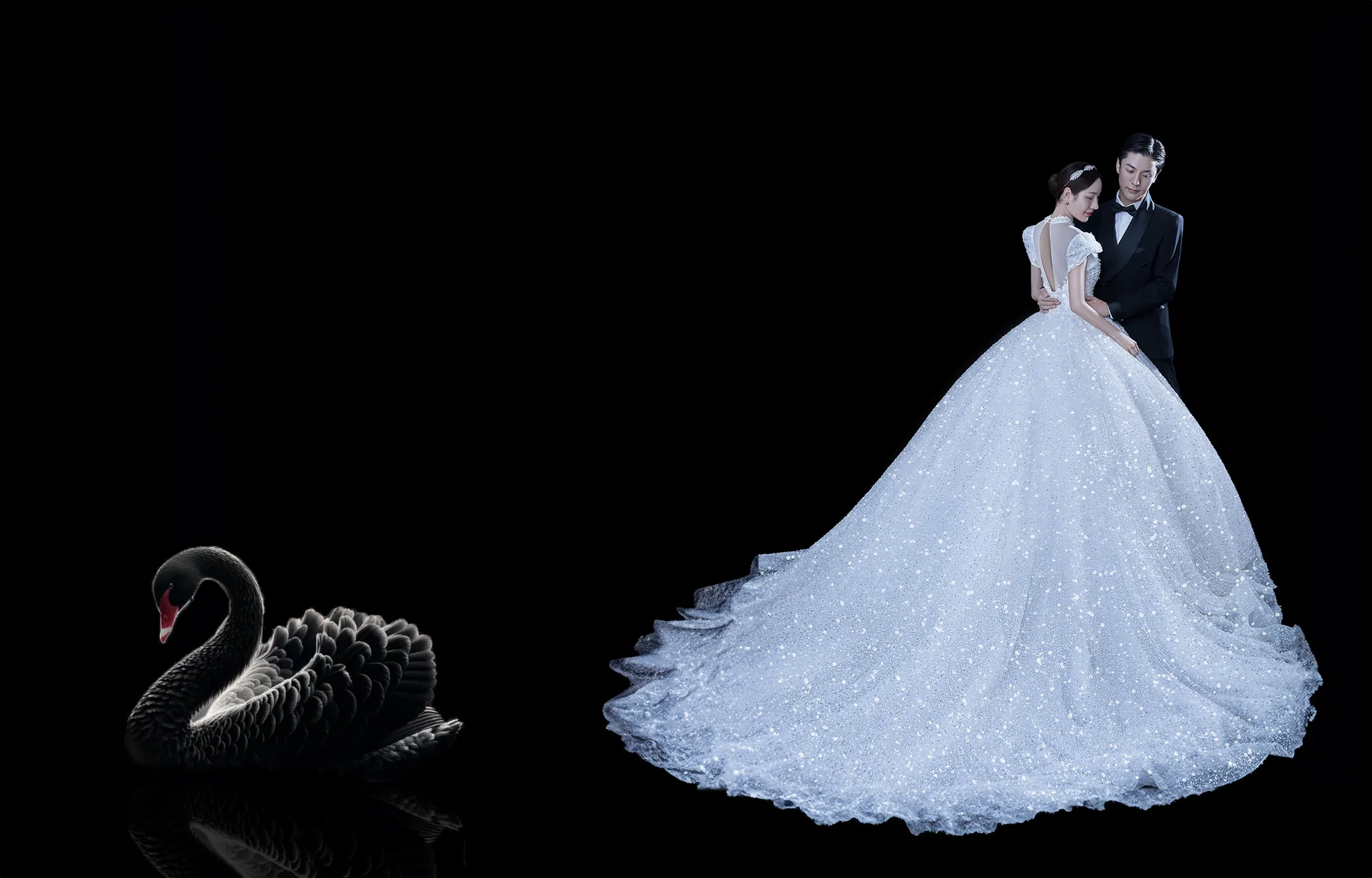
从黑底素材到完整氛围成片,重建环境、光线、空间层次与水面倒影。
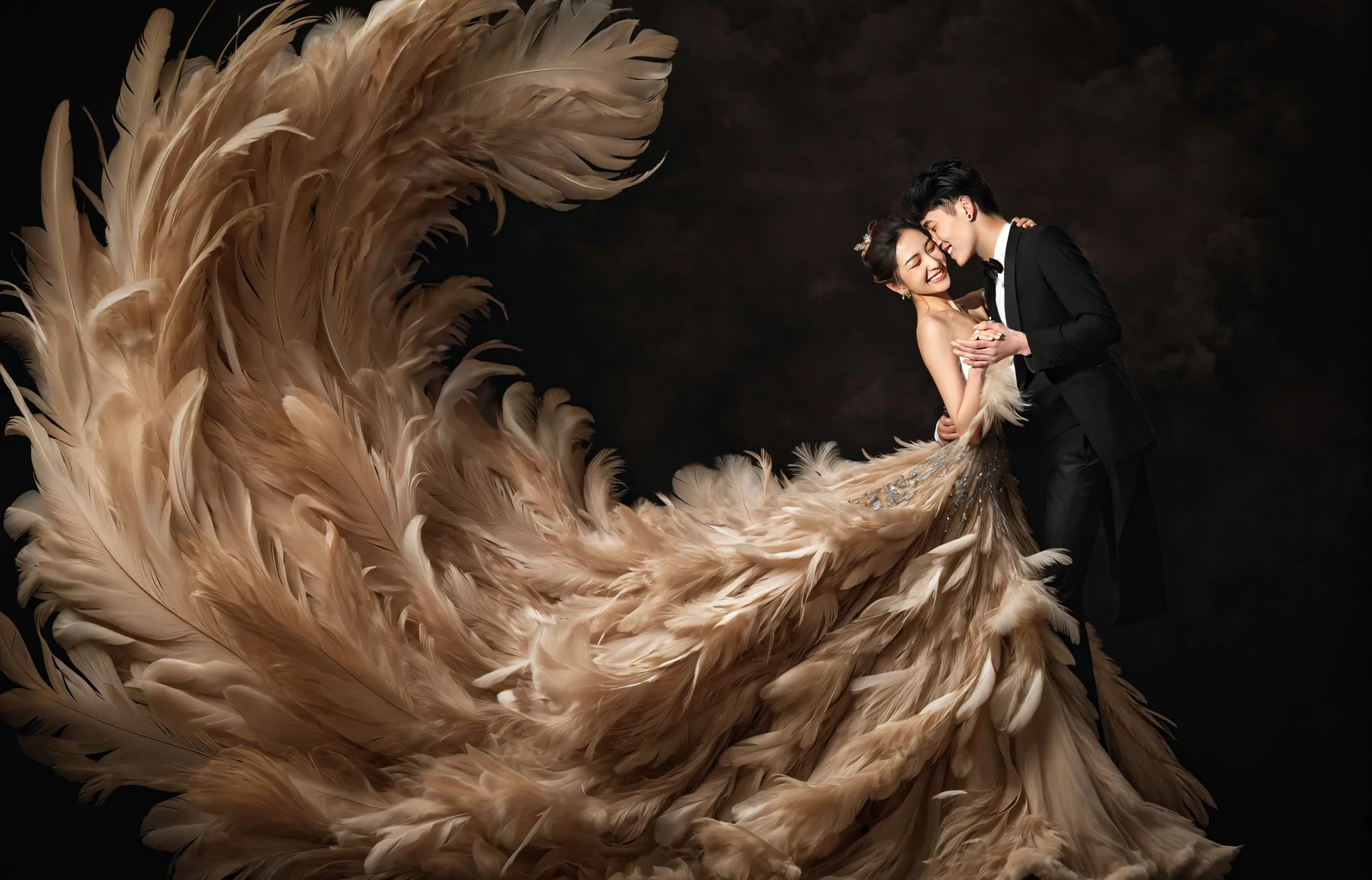
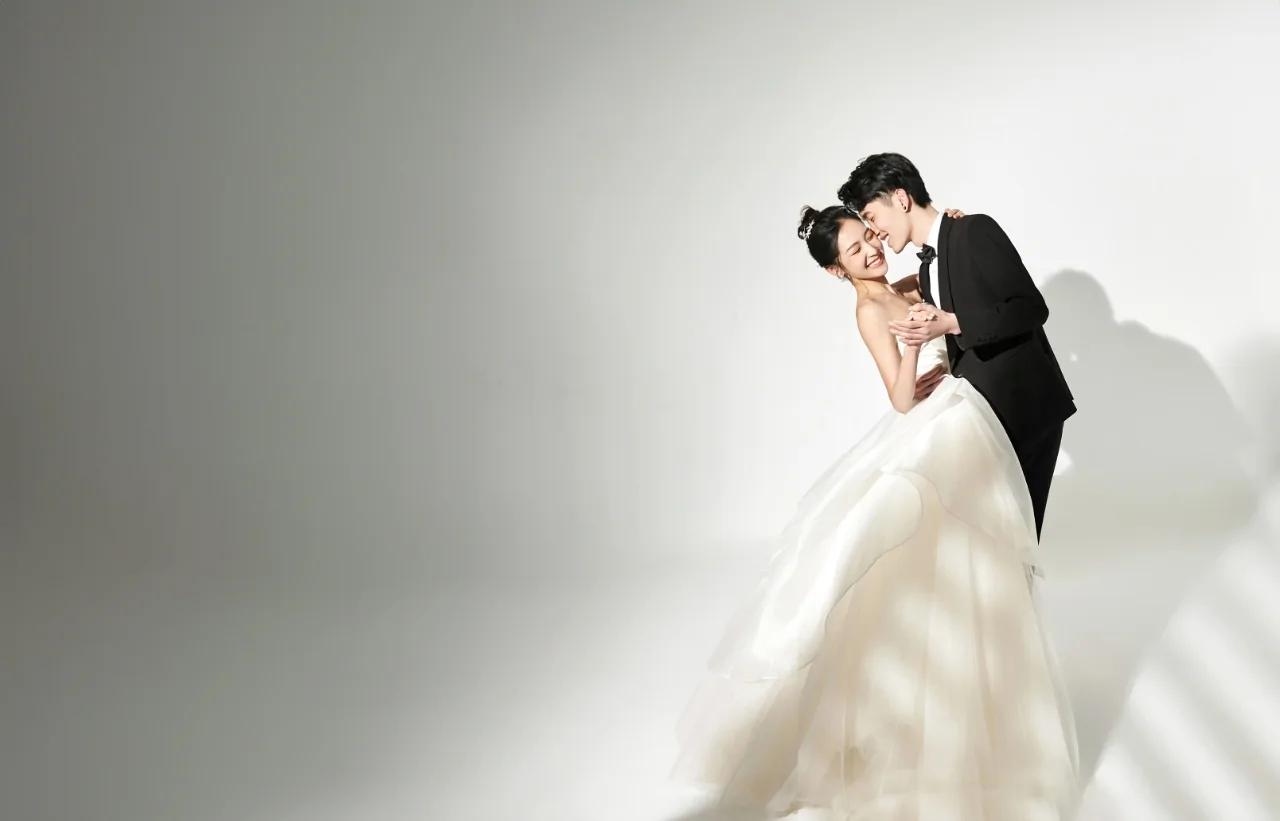
保留人物关系与主体姿态,重新设计礼服轮廓、背景氛围和画面动势。
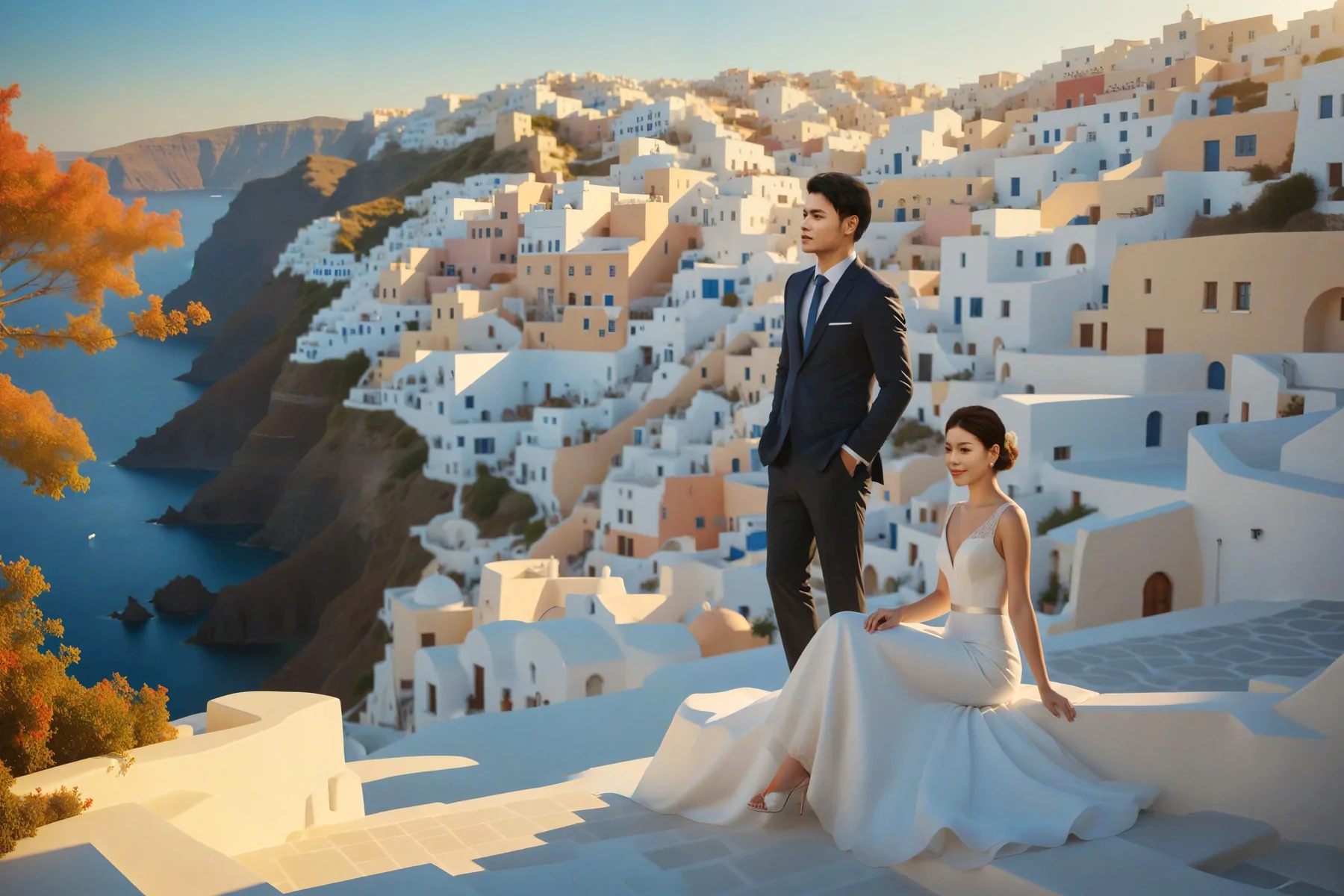
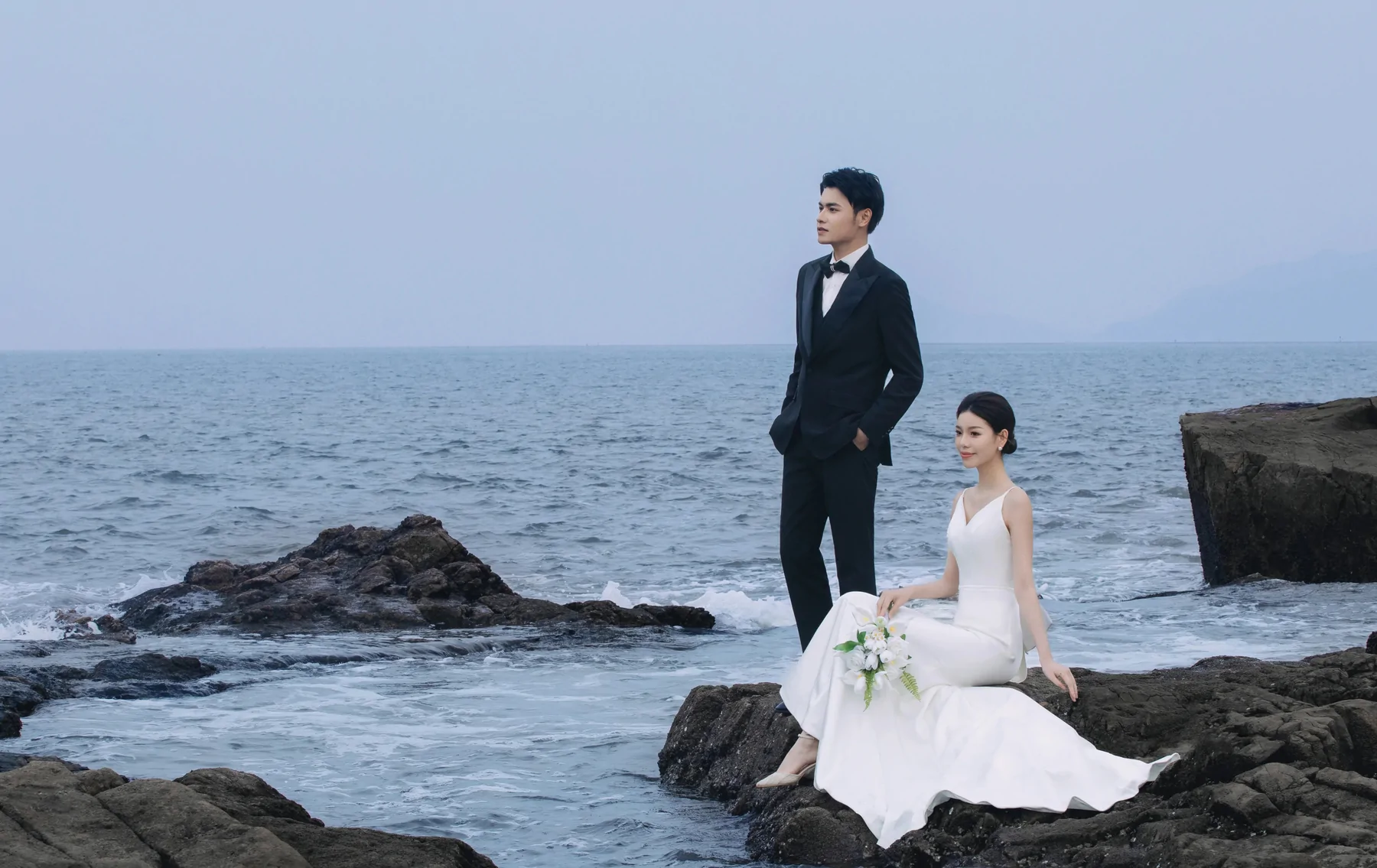
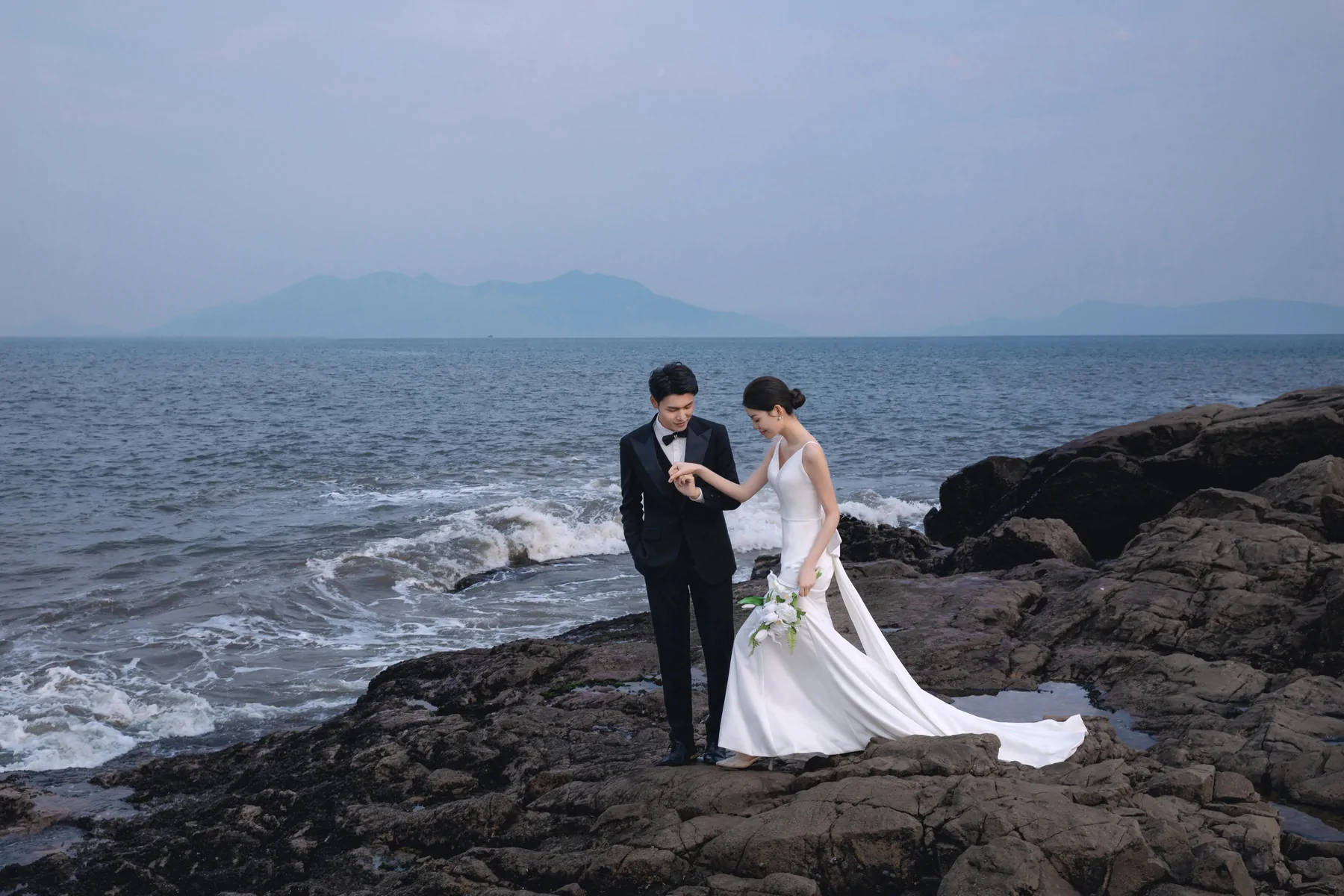
保持人物姿态与叙事关系,替换目的地环境并统一光线、色温与空间透视。
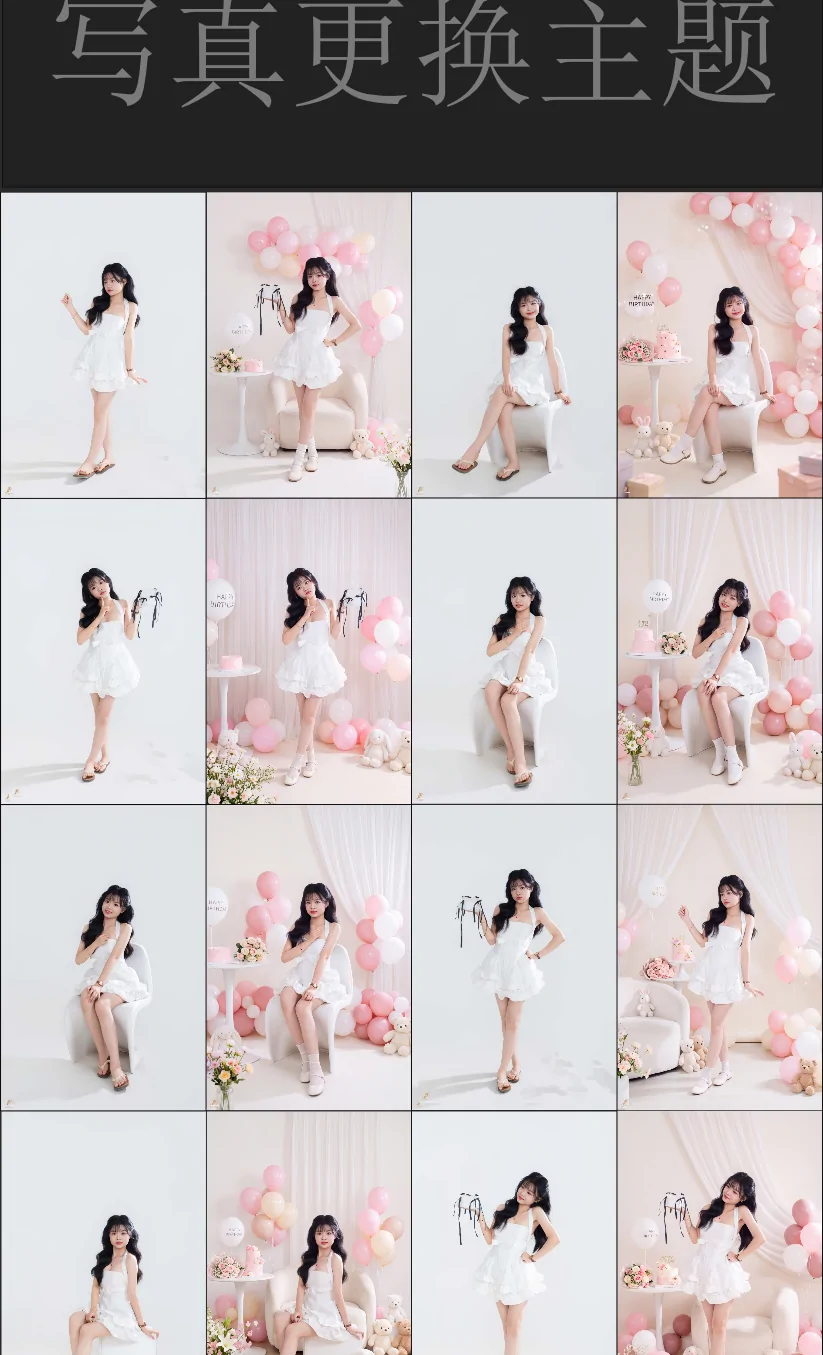
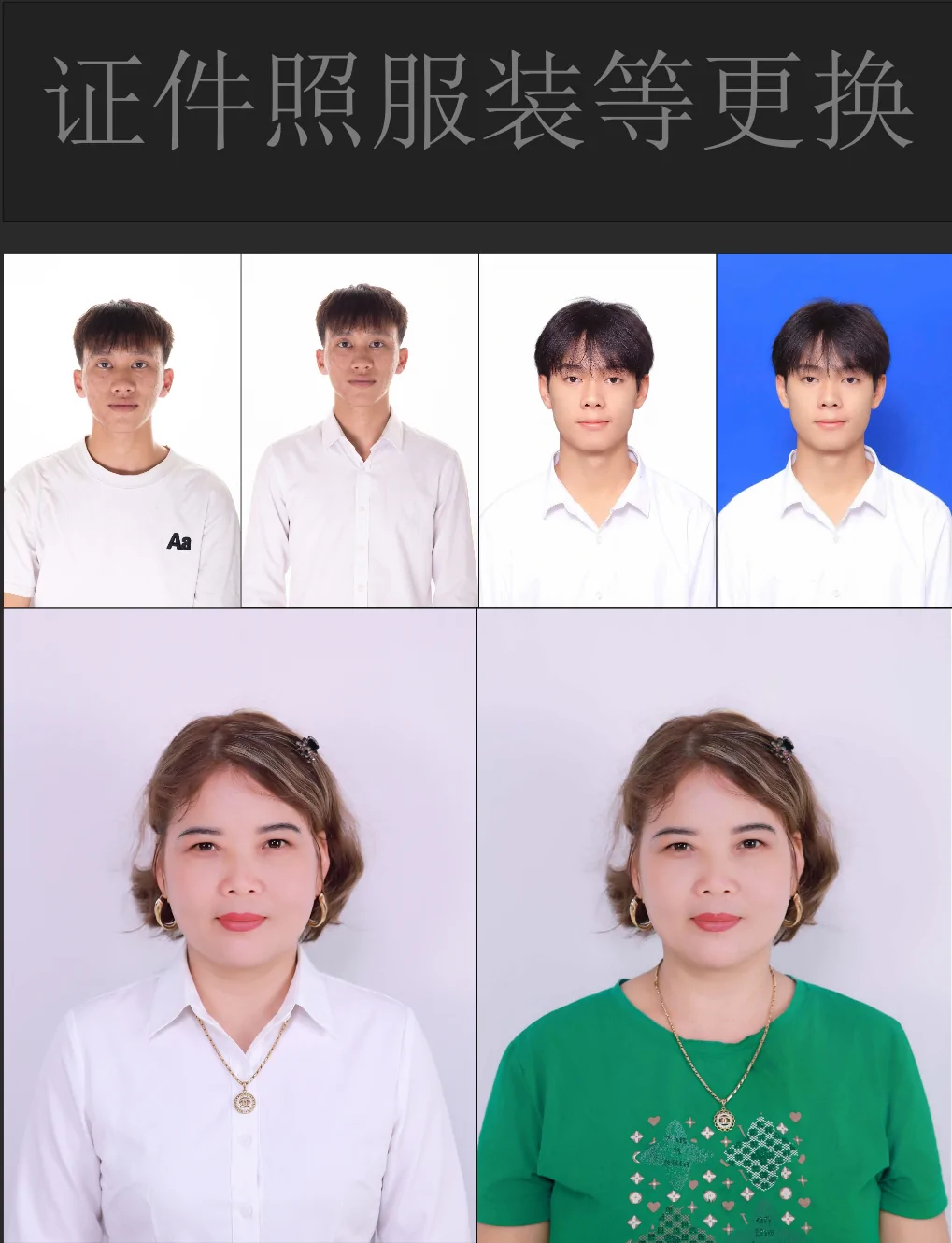
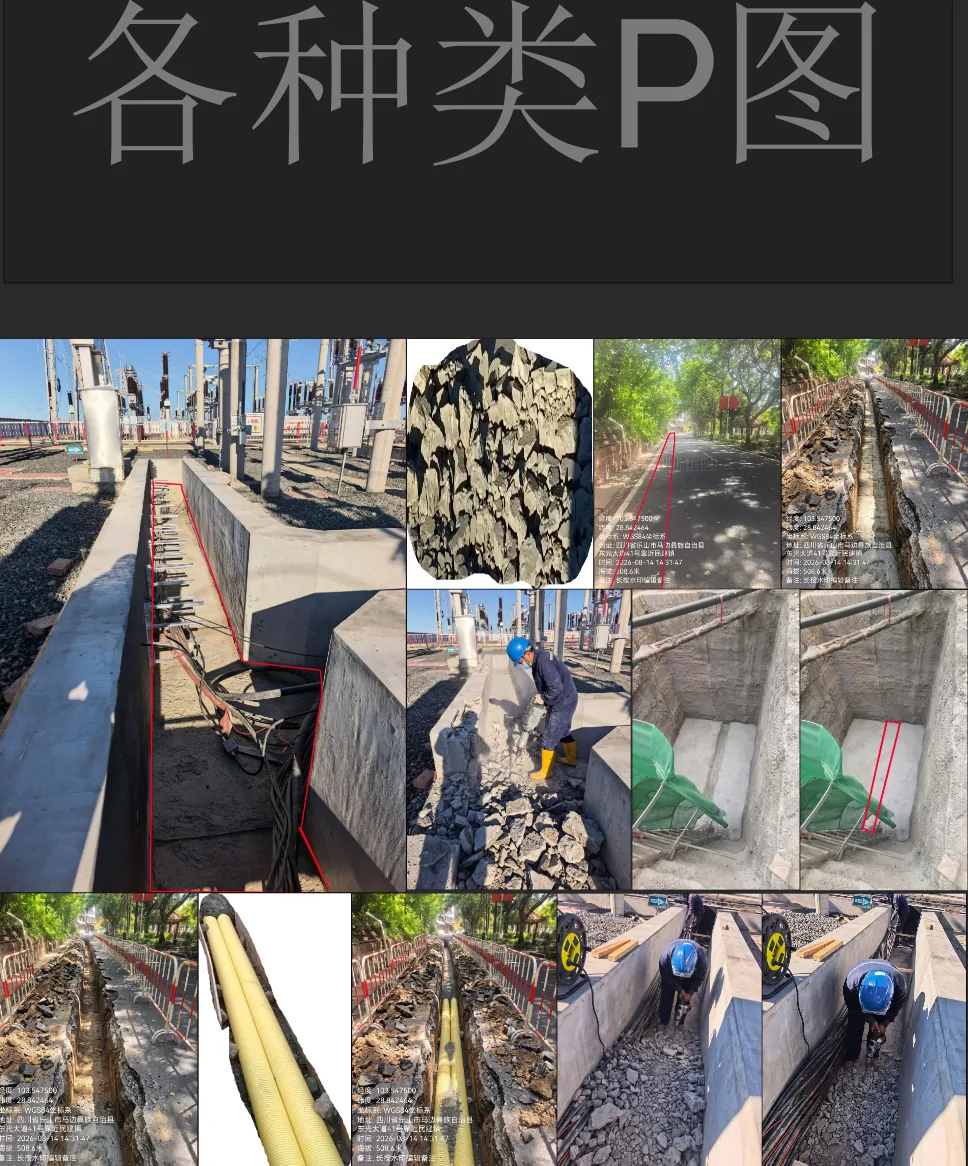
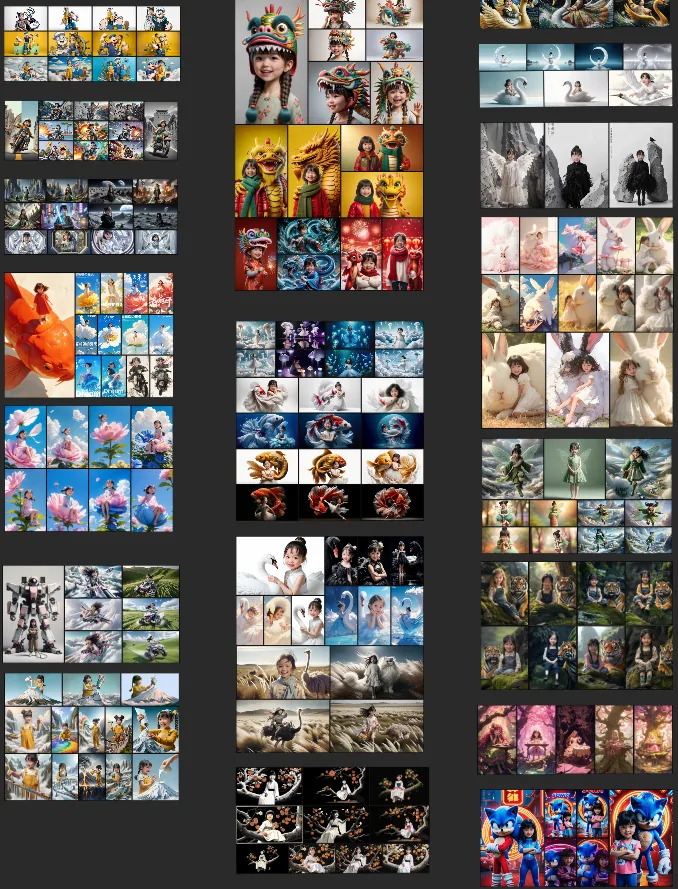
以下为 Photoshop 插件的授权与积分说明;无线画布桌面端授权请联系客服确认。
解锁完整模型、工作流、商业精修、任务中心与持续更新。
模型价格可能随供应成本调整,插件会在生成前显示实时积分。
Photoshop 插件、无线画布与悟空设计工作台独立安装,请先确认产品类型和运行方式。
安装到 Photoshop 内,在原生面板中完成生成、精修与结果回传。
独立运行的图片与视频 AI 生产控制台,无需依赖 Photoshop。
macOS 双架构版本已纳入发布配置;当前目录尚无 DMG 文件,上传后可直接启用下载入口。
独立 Windows 设计辅助工具,管理配色、素材与 AI 设计,并连接 PS、AI、CDR。
安装、授权和工作流使用问题,可通过微信或 QQ 联系客服。
主要在 Photoshop 内生成和精修,选择悟空 AI 插件;需要图片、视频、无限画布和节点编排,选择无线画布;需要配色素材、AI 电商设计,并联动 Photoshop、Illustrator、CorelDRAW,选择悟空设计工作台。
不是。只有连接本地 ComfyUI 时才需要配套端,其他云模型与工作流可独立使用。
可以进入免费版本使用开放功能,需要完整模型与专业能力时再购买授权。
可以。选择保存目录后,支持的图片任务会自动写入目录,同时保留任务历史。
 微信客服
微信客服 QQ 客服
QQ 客服
关注官方内容账号
查看案例拆解、功能演示、版本动态与完整创作流程。